Nov 4, 2025
Real-Time Sync Between Shopify, Square & Zoho CRM
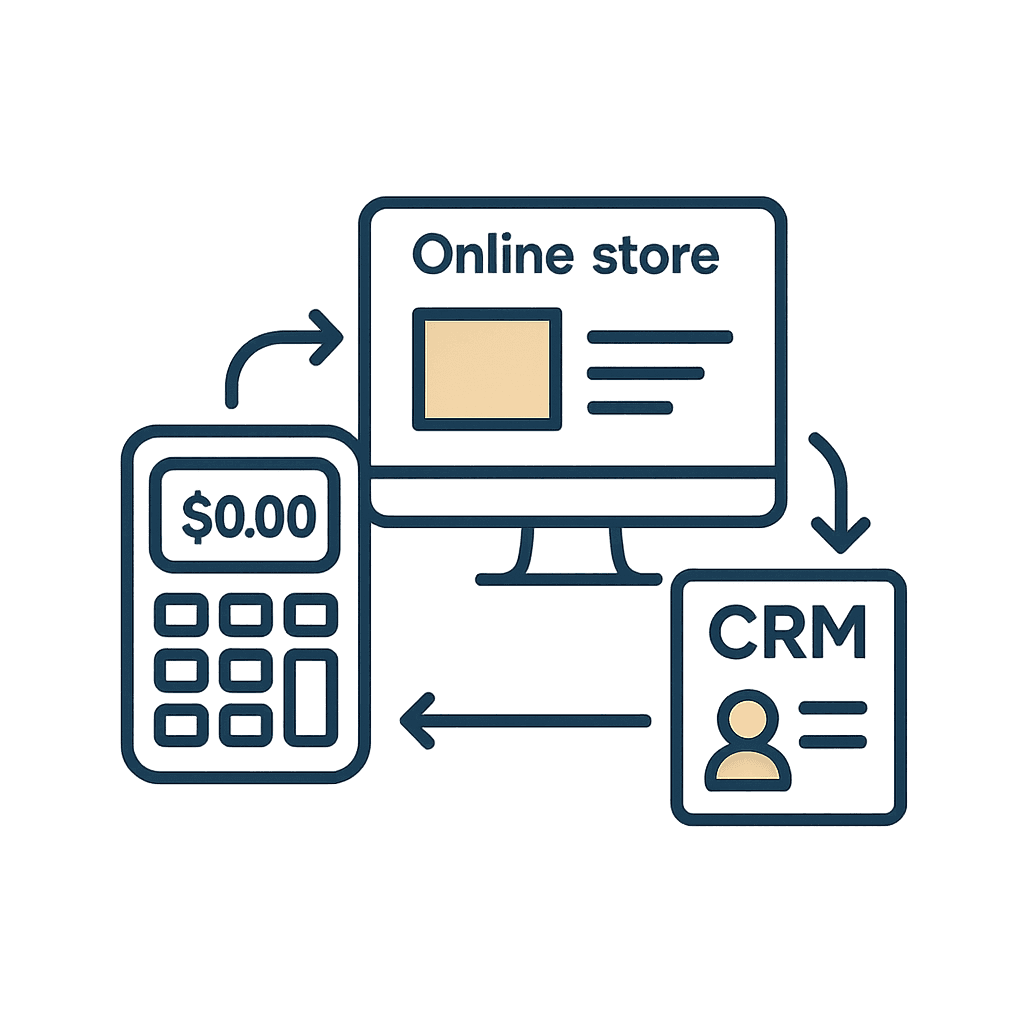
A hospitality group selling both online and in-store wanted one reliable customer list without changing all their tools. During Prep & Setup we cleaned their guest data and built a real-time sync layer between Shopify, Square and Zoho CRM so every order lands in one organised system.
Quick facts
Client: Multi-venue hospitality group (shops + online store)
Product: Prep & Setup (one-time project)
Tools connected: Shopify, Square POS, Zoho CRM
Main goal: One clean, always-up-to-date customer base across every channel
Project length: A few weeks from first call to live sync
Key outcomes: Cleaned list, duplicate-free CRM, real-time sync between online and in-store sales
Context
This group sells through their physical shops and an online store, with payments happening in Square POS and Shopify.
Over time, each tool built its own version of the “truth”: different fields, different formats, lots of duplicates. The team relied on manual exports and spreadsheets to understand who their regulars were and how often they visited.
They wanted a simple way to keep everything in sync in the background, without forcing the staff to change how they work day-to-day.
Challenges
No shared guest profile. Shopify and Square didn’t talk to each other, so the same person existed multiple times with different details.
Manual CRM updates. The CRM relied on CSV exports and imports, which were time-consuming and easy to forget.
Inconsistent data. Names, emails and phone numbers weren’t normalised, leading to lots of near-duplicates.
No full view of the customer. Online and in-store purchases couldn’t be seen together in one place.
Hard to segment loyalty guests. Without a clean base, it was difficult to target real regulars for campaigns.
Prep & Setup: what we did
We used Prep & Setup to build a clean foundation and a light automation layer on top of the tools they already use.
Audit of tools & data structure
Mapped how Shopify, Square and Zoho CRM each stored customers and orders.
Listed the fields that mattered for marketing and reporting (email, phone, consent, total spend, last visit, etc.).
Design a single “guest profile” model
Defined one canonical contact format: names, contact details, IDs, opt-ins.
Decided what should happen when data conflicted (e.g. two different emails for the same person).
Clean & consolidate the existing list
Normalised names, emails and phone numbers.
Merged obvious duplicates and removed dead records.
Loaded the cleaned list into Zoho as the single source of truth.
Build the sync layer between tools
Connected Shopify and Square to Zoho with automations.
Set clear rules for when to create a new contact vs. update an existing one.
Ensured every new order updates the right guest profile automatically.
Automations & flows
We kept the flows simple so they’re easy to maintain:
New online order (Shopify)
Create or update the guest in Zoho CRM.
Log order details and channel (online).
New in-store order (Square)
Match the guest where possible (email/phone) or create a new one.
Add the order to the same profile with channel (store + location).
Field normalisation & dedupe
Standardise formats (uppercase/lowercase, phone formats).
Automatically flag and merge new potential duplicates on a regular basis.
Results
After Prep & Setup, the team now has:
One trusted list instead of scattered exports and spreadsheets.
Real-time updates from Shopify and Square into Zoho — no more manual CSV work.
Cleaner CRM data, with far fewer duplicate or half-empty profiles.
A full picture of each guest, across online and in-store purchases.
A solid base for campaigns, segmentation and future automations.
What’s next
With the foundation in place, this client can now:
Plug Showcase campaigns on top of a clean list.
Add new automations (e.g. win-back, birthdays, VIP segments) without touching the data model again.
Re-use the same sync layer if they open new venues or launch additional online channels.